When a platform makes it easy to publish an insight, a dashboard or a data API, the next question from the people who run the company is not "how?" but "who published what, who is calling it, and who said they could?" If the platform cannot answer those three from one screen, it is not ready for the board pack. This is the screen.
One catalog, four kinds
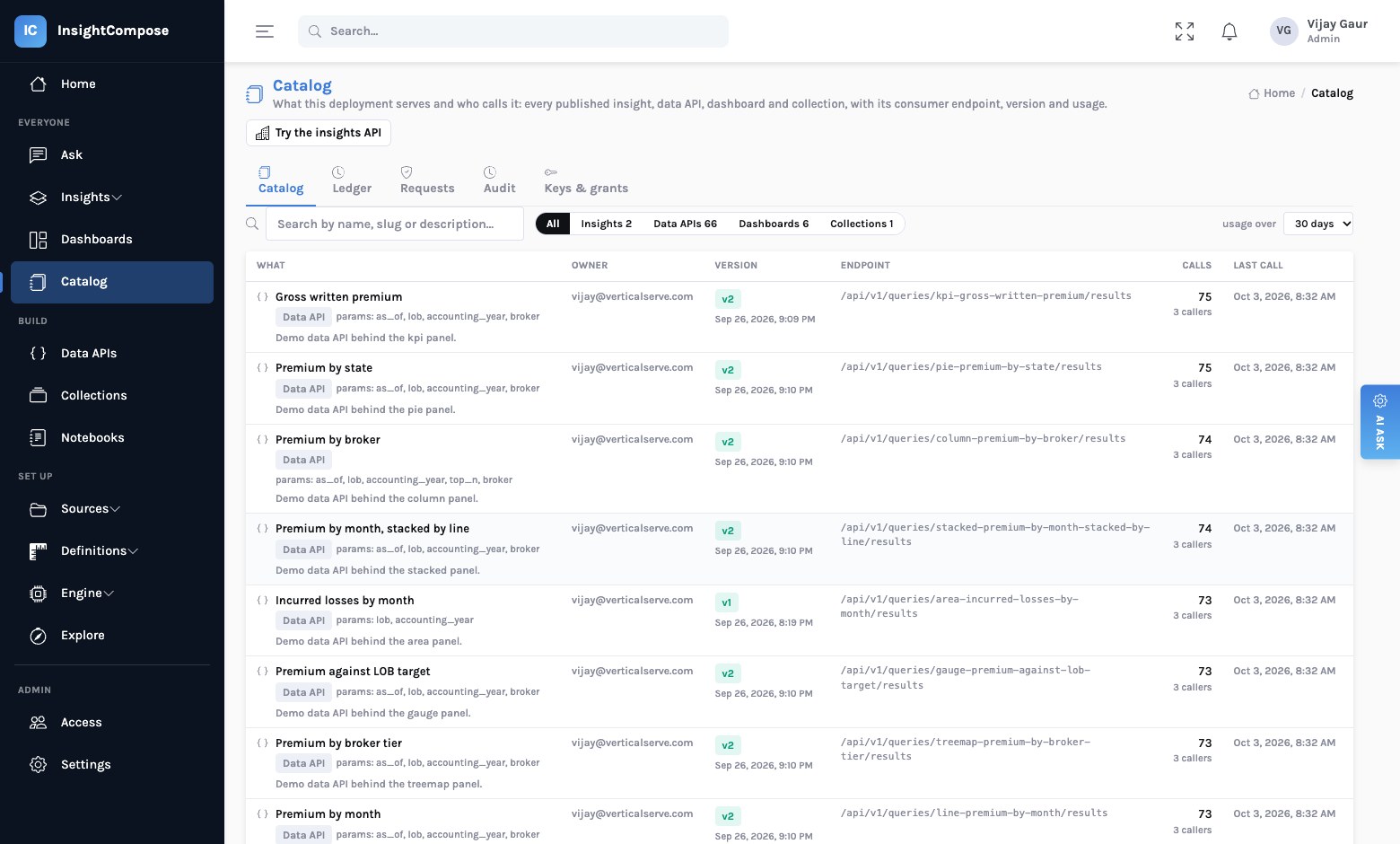
The Catalog lists every published object regardless of kind — insights, data APIs,
dashboards, collections — with its owner, current version, consumer endpoint, how many calls it has
taken and from how many callers, and when it was last called. Search by name or description; filter by kind;
change the usage window. It is the same list a consumer would build by reading /api/v1, with the
usage added.
Every call, in a ledger
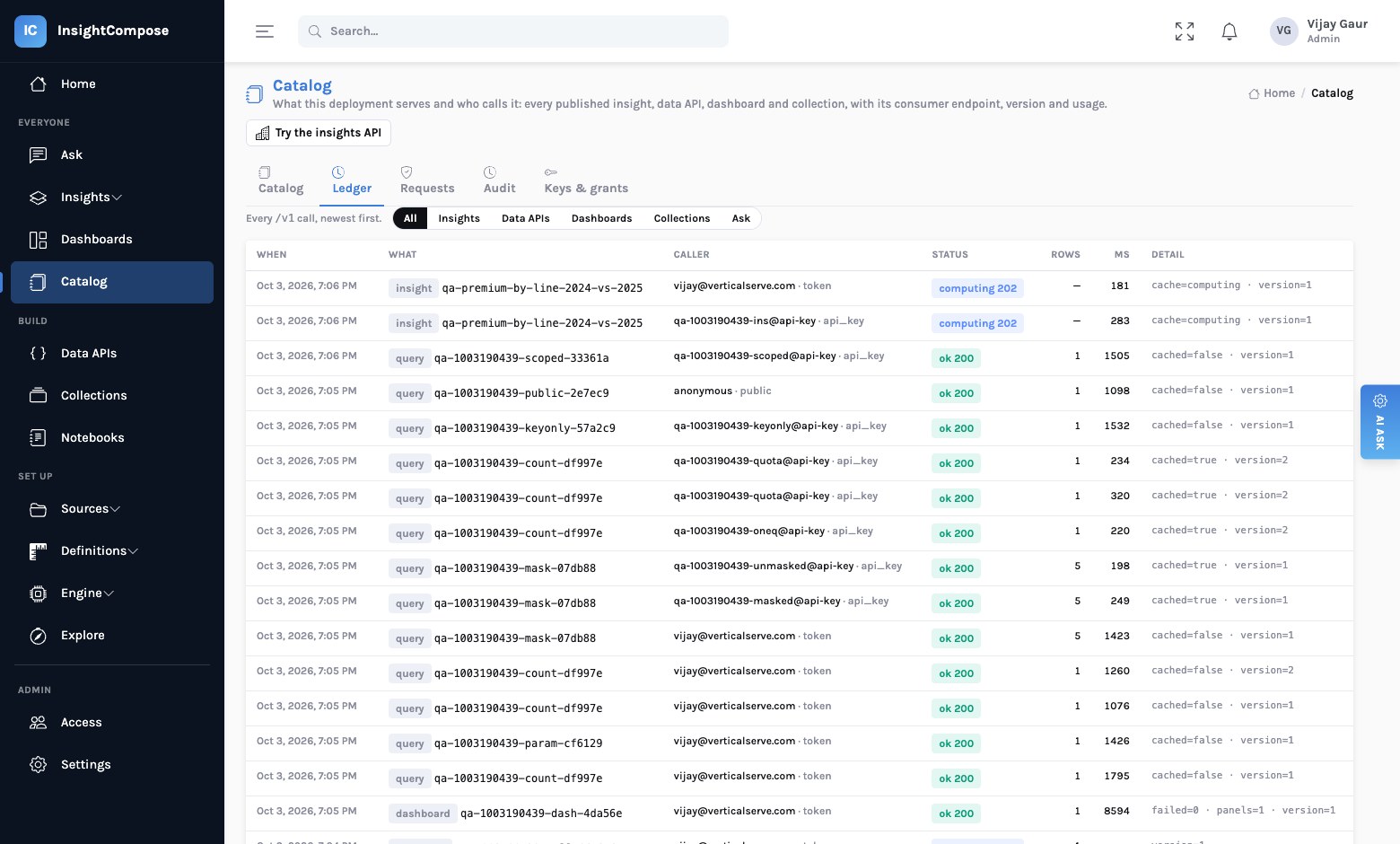
Every request to a consumer endpoint is recorded: what was called, by whom (a person's session, an API key, an anonymous caller of a public API), through what, the HTTP status, how many rows, how long, whether it was a cache hit — and refusals as well as successes, because "who tried and was refused" is a security question too. The ledger is filterable by kind and by object, and each catalog row's usage is computed from it.
Authenticated is not entitled
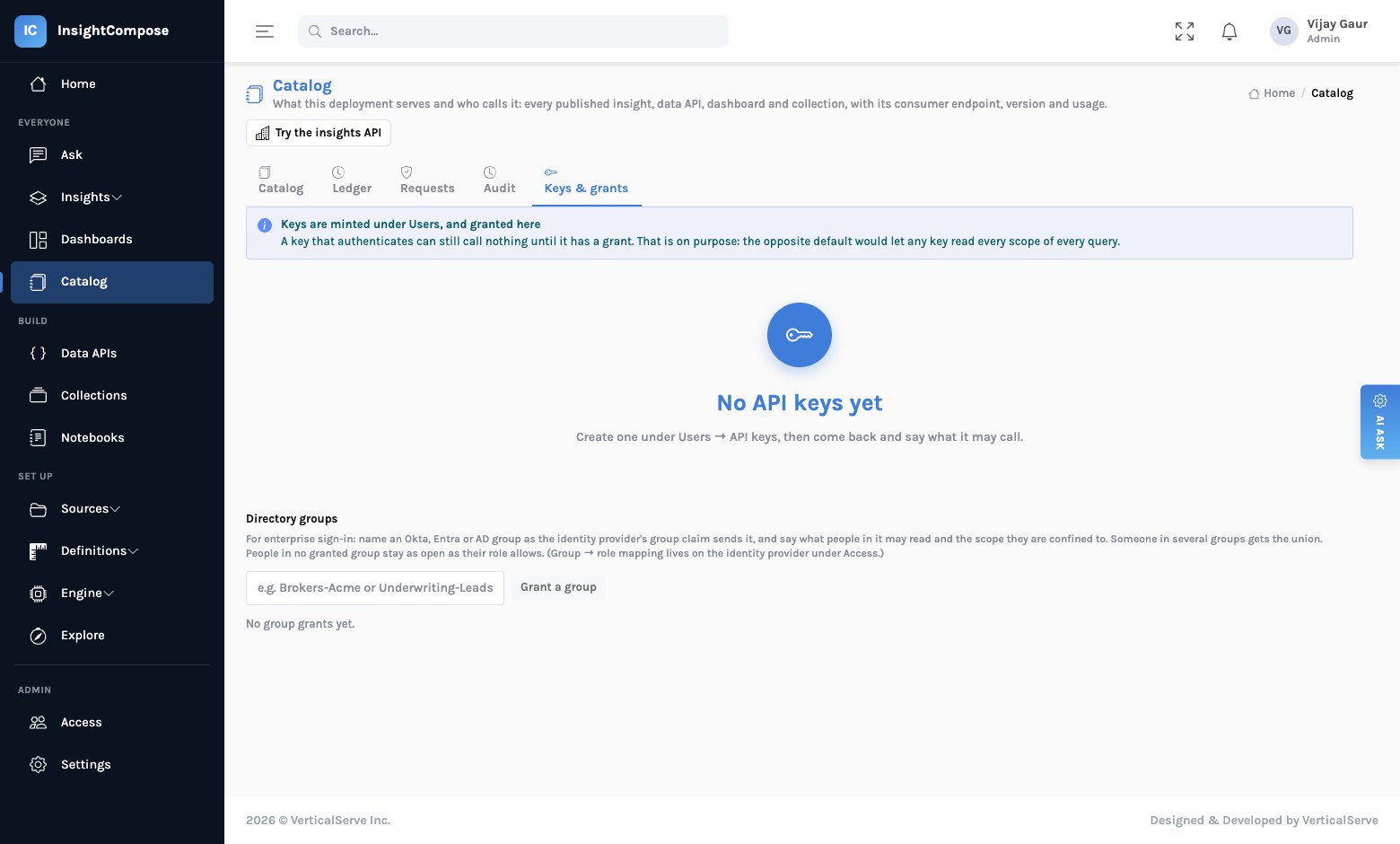
A key or a person that can sign in is thereby allowed to call nothing. Entitlement is a grant, and a grant names what it opens:
| A grant says | Meaning |
|---|---|
| Insights, data APIs, dashboards, collections | Lists of what may be called. An empty list for a kind means all of that kind; no grant means none. |
| Scope limits | Which values of a scope axis the caller is confined to — one broker group, one region. A request for another value is refused, never quietly narrowed. |
| Ask | Whether the caller may ask free-form questions of the engine at all. Off unless a consumer genuinely needs it. |
| Unmasked | Whether masked columns are shown in clear. Off by default. |
| Calls per minute, calls per day | Rate and daily quota; the quota answers 429 with when to retry. |
Grants attach to an API key — or to a directory group. That second form is what an enterprise deployment actually wants: sign in through Okta or Entra ID with a group claim, map groups to roles for what people may do, and grant groups for what they may see. A person in several groups gets the union. Nobody maintains a per-person list, and leaving a group in the directory removes the access on the next sign-in.
flowchart LR
  subgraph WHO ["Who is calling"]
    K["API key"]
    P["Person signed in
via Okta / Entra"]
  end
  P --> G["Directory groups
from the token's group claim"]
  G --> R["Roles
admin · curator · member"]
  K --> GR["Grants
what may be called, at what scope,
masked or clear, how often"]
  G --> GR
  GR --> C{"The call"}
  C -->|allowed| L["Ledger entry · rows (masked unless granted)"]
  C -->|refused| L2["Ledger entry · 403 / 429"]
  style GR fill:#e6f7f2,stroke:#9fd8c9
  style L2 fill:#fdecec,stroke:#e8a0a0
Masking that survives the cache
A data API can mark columns to be masked — redacted, hashed, last four, or nulled — for any caller whose grant does not say unmasked. The detail that matters: masking is applied on the way out, after the cache. A result computed for a privileged caller and reused for an ordinary one is still masked for the ordinary one. We mention it because that is exactly the kind of shortcut a cache invites.
A publish is a decision
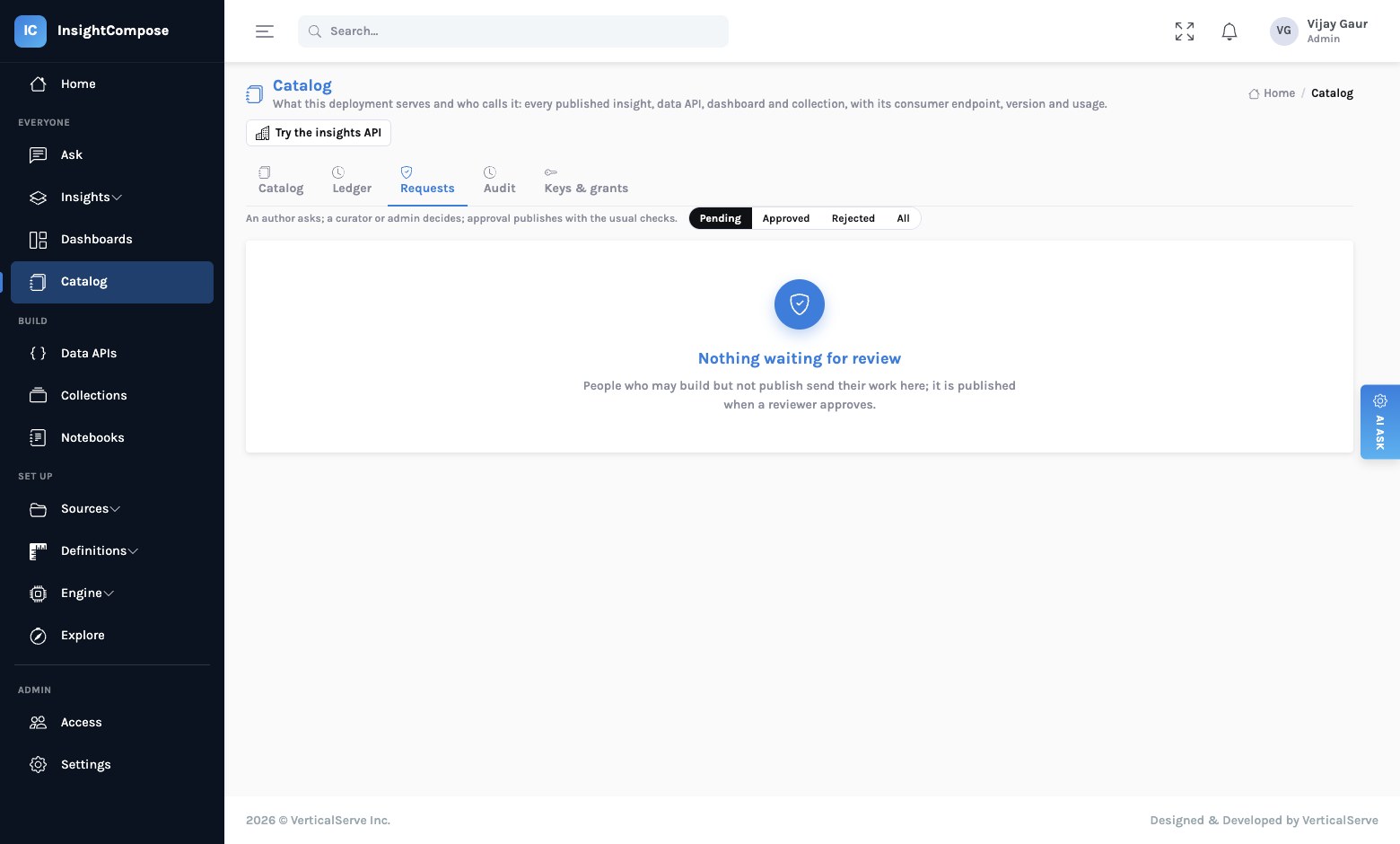
Members can build anything and publish nothing. What they get instead is Request publish: the request lands under Requests in the catalog with a note for the reviewer, and a curator or admin approves or rejects it there. Approval runs the object's own publish with its own gates — the untraced figures check for an insight, the breaking-change check for a data API, the draft-query and unused-filter checks for a dashboard. Nobody approves their own request unless they are an admin, and the decision and the reviewer are kept on the request.
Definitions have an audit trail
The things that change meaning — an accepted metric, a confirmed term binding, a golden question, a conventions edit, a schema review decision — are written only by curators and admins, and every write is recorded with who, when, what and the payload. Because the engine records which definitions each generated query used, a reviewer can go from "we changed the definition of earned premium on the 2nd" to the list of answers that predate it, and the cache retires them.
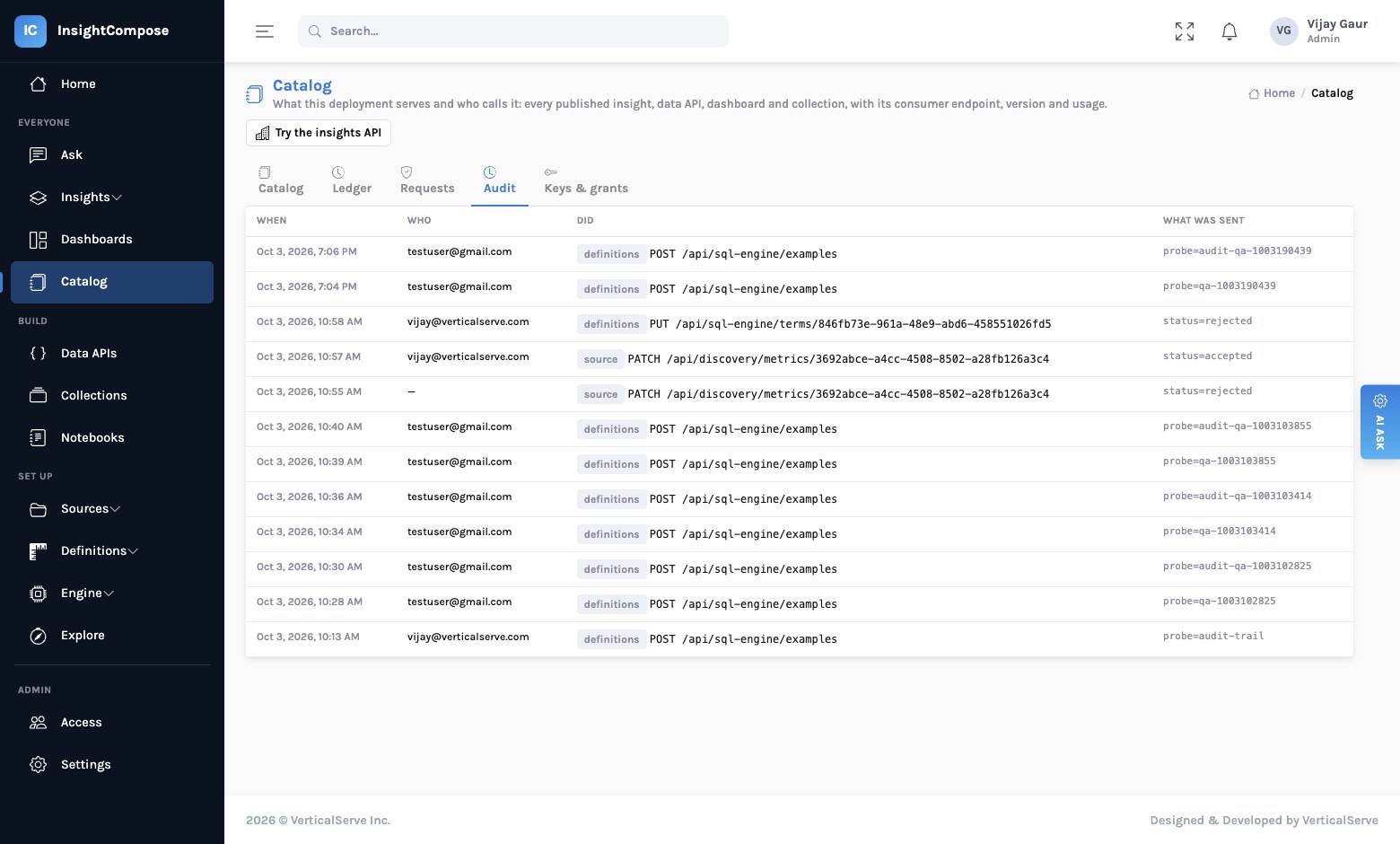
Who may do what
| Role | May | May not |
|---|---|---|
| Member | Ask, read the catalog, build drafts, collections and notebooks, request a publish. | Publish, change definitions, see set-up or admin pages, approve. |
| Curator | Everything a member may, plus accept metrics and terms, review schemas, index sources, publish, and approve others' requests. | Manage people, providers or keys; approve their own request. |
| Admin | Everything, including people, identity providers, keys and grants. | Escape the ledger. |
Roles can come from the directory too: a provider carries a group claim and a list of group=role
rules, applied on every sign-in. A person removed from the curators' group in Okta is a member at their next
login, with nothing to revoke by hand.
What this does not replace
It does not replace your warehouse's own row-level security — the engine runs as the service identity you gave it, inside the tables you indexed, read-only and row-capped. It does not replace your identity provider; it defers to it. And it does not make a judgement call about what should be published; it makes sure a person did, and writes down who.
The principle
Governance that lives in a document is advice. Governance that lives in the product — a grant that is read on every call, an approval that runs the real checks, a ledger nothing can skip — is a fact.
Read next
One number, one definition: governing AI-written SQL — the serving path underneath all of this, where no model runs. An insight that shows its work — what the untraced-figures gate is checking.